


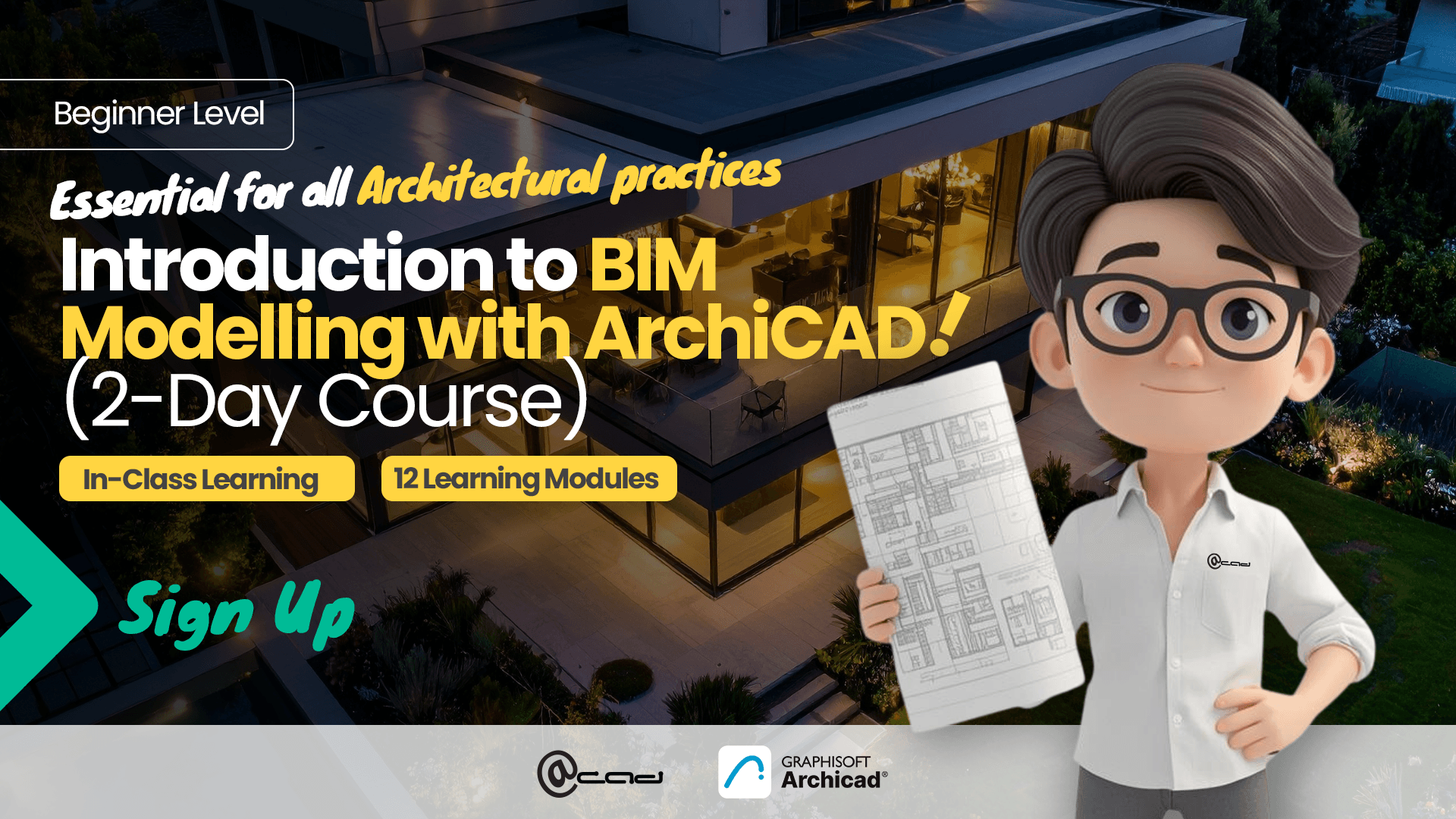
Who should attend?
- Architects and designers who would like to get started with BIM in Archicad.
- CAD professionals transitioning from 2D drafting to BIM workflows.
- Architecture practices onboarding new staff into Archicad.
- Firms seeking to standardize workflows across project teams.
Prerequisite
- Basic proficiency in English (reading, writing, and understanding) to follow instructions and training materials
- Basic computer literacy
- Familiarity with architectural drawings or construction concepts is recommended, but not mandatory
- No prior Archicad or BIM experience is required
Minimum pax per class: 3
System Used
Archicad 29 (Windows 11 OS)
Course Outlines
Classroom Based Training
Day 1 – BIM Fundamentals and Architectural Modelling
Module 1: Introduction to BIM and Archicad
- Overview of Building Information Modeling (BIM)
- Differences between BIM and traditional CAD workflows
- Archicad workflow overview
- Understanding the BIM model concept
Module 2: Archicad Interface and Navigation
- Archicad workspace overview
- Toolbox and tool palettes
- Navigator: Project Map, View Map, Layout Book
- Organizer and view management
- Zoom, pan, and navigation tools
- Basic 3D navigation
Module 3: Project Setup and Model Organization
- Creating a new project
- Using templates
- Defining building stories and levels
- Setting project units and preferences
- Managing layers and layer combinations
Module 4: Basic Architectural Modeling
- Wall tool fundamentals
- Slab tool fundamentals
- Column and beam tools
- Roof tool basics
- Editing and modifying building elements
- Basic element settings and building materials
Module 5: Doors, Windows and Library Objects
- Understanding Archicad libraries
- Door and window tools
- Placing parametric objects
- Editing object parameters
- Using favorites for common elements
Module 6: Zones and Building Information
- Understanding zones in BIM
- Creating rooms using the Zone tool
- Room area calculations
Day 2 – Documentation and Project Output
Module 7: Advanced Architectural Elements
- Stair tool overview
- Stair modeling and editing
- Railing tool
- Solid Element Operation
Module 8: Sections and Model Documentation
- Creating section views
- Detail views
- Working with markers
Module 9: View Management and Graphic Control
- View Map management
- Creating and saving views
- Layer combinations
- Model View Options
- Graphic Overrides
Module 10: Layouts and Drawing Sheet Preparation
- Title Block
- Placing drawings onto sheets
- Dimensioning
- Layout Book structure
- Creating layouts
Module 11: Schedules and Data Extraction
- Understanding schedules in BIM
- Door schedules
- Window schedules
- Creating zone schedules
Module 12: Publishing and Project Export
- Publishing drawing sets
- Exporting to PDF
- Exporting to DWG
- Exporting to BIMx


![[GSTARCAD] CNY Promotion 2026](https://acad.com.sg/assets/uploads/2026/01/GSTARCAD-1920x1080_CNY-Email-Banner001-1024x576.jpg)
